
A free tool for contractors
From job photos
to your next post.
Pair your before and after, add your branding, and download an image that shows the work you put in.
Free PNG downloads. No account. No watermark.
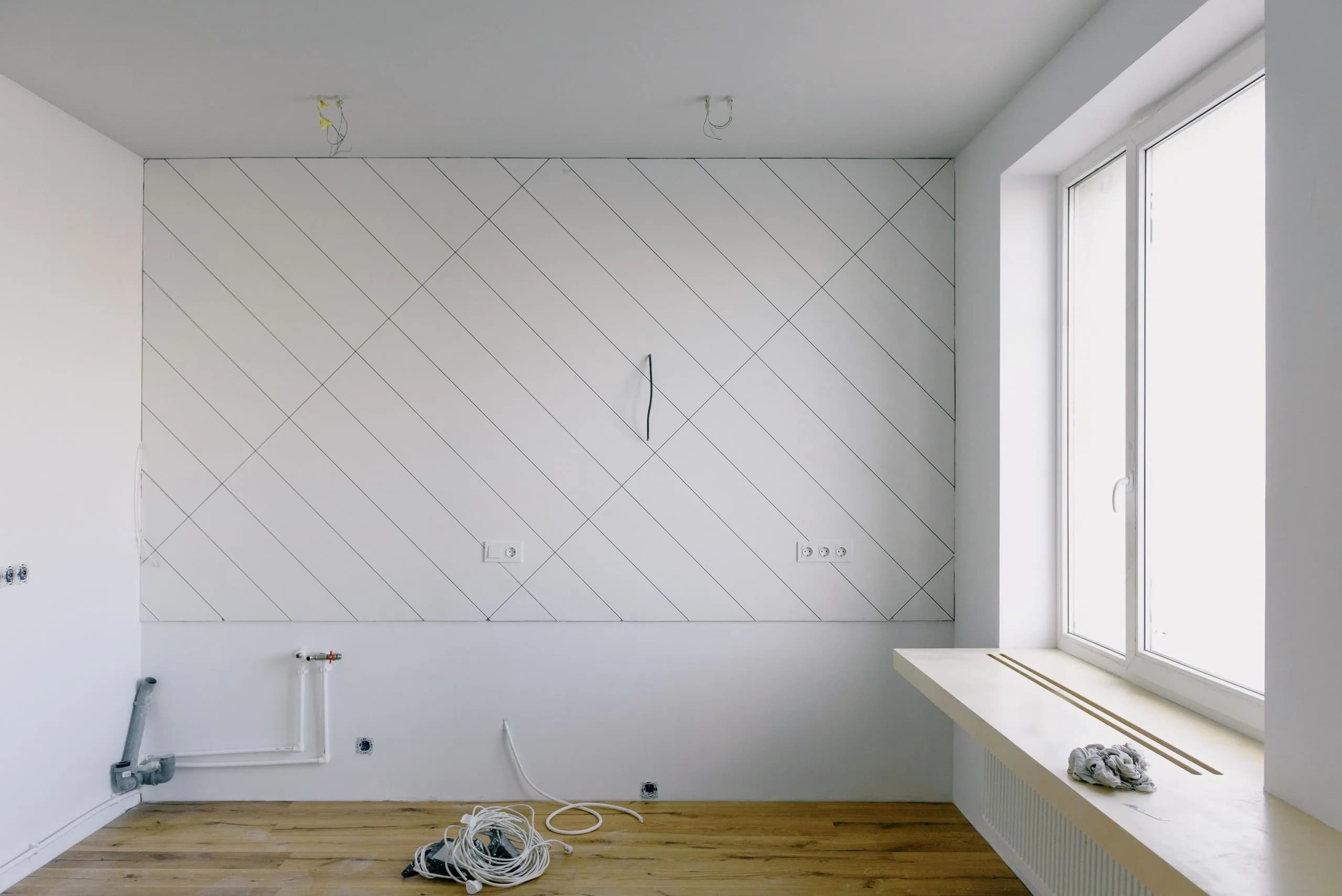 Before
 After
Your photos. Your name on the work.
Keep the focus on the project, with a layout and crop that make both photos easy to see.
Choose two project photos
Add a before and an after. Adjust the crop and position so the details you want to show stay in frame.
Make it yours
Add your company name, logo, and brand color. Choose from five layouts using the same photos.
Download, then share
Export a square, portrait, or story-sized PNG. Use the downloaded image wherever you share your work.
Do I need a QuoteAhead account?
No. Open the Maker in your browser, add your photos, and download your image without signing up.
Are my edits saved?
The image editor keeps your work in the current browser session. Download your image before leaving. Signing up does not save or carry over your temporary project.
What can I download?
A PNG in square (1:1), portrait (4:5), or story (9:16) format, with no QuoteAhead watermark. Your original photos determine the available detail.
Does this post to social media for me?
This free workflow creates a downloadable image. Once you have the PNG, you can upload it to the channel you use.
Have two photos ready?
Give your next finished project something worth sharing.